When a result is appealed, you have the evidence.
Every event is saved with the frame from that moment. The candidate report brings the risk score, flagged moments and identity comparison onto one page. Your team decides, with the evidence in hand.
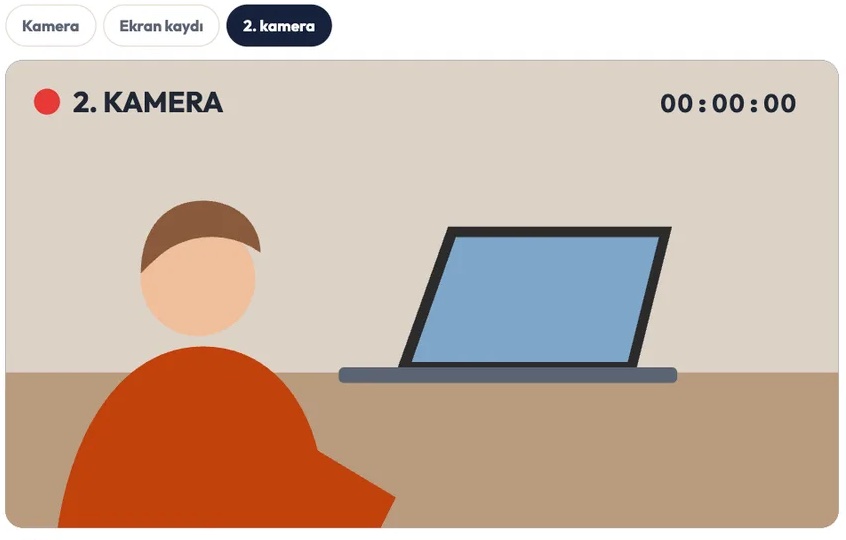
For privacy, this animation was created with AI and shows no real people. Try the system yourself →
The whole exam on one page
Risk and integrity score
The weighted sum of events gives the risk score; the session’s integrity score is 100 minus the risk. High-risk sessions are marked “awaiting review”.
Flagged moments
Each event with its time, duration and risk level. Click the event or “Go to this moment” and the player jumps to that second.
Activation vs. exam
The face and ID card from activation are compared side by side with the exam footage, to check the same person sat the whole exam.
Consent and diagnostics
GDPR / KVKK consent record, the system check result, and device and browser details.
Post-exam review
A reviewer assigned by your organization opens sessions awaiting review, checks the flagged moments in the recording and signs off.
Print and PDF
Print the report or download it as a PDF in one click.
Every recording on one timeline
Screen recording, webcam and audio, the phone as a second camera, the 360° room scan before the exam and the activation camera are all stored. In the player, camera, screen and second camera play in sync on one timeline; jump between flagged moments and decide without watching the whole recording.
- You choose the video and evidence retention period per exam (up to 3,650 days)
- Storage is billed only for as long as you keep it
- Recordings are deleted automatically when the period ends
Every event has a weight
The report, webhooks and the API use the same event codes; each event’s weight is added to the session’s risk score.
| Weight | Example events |
|---|---|
| 5 | Multiple faces, screen sharing stopped, camera turned off, phone, ID mismatch, screen mirroring, virtual machine, virtual camera |
| 4 | Tab switch, person left the camera, prohibited app, external display, VPN, staring at one spot, prohibited object |
| 3 | No face, exited full screen, paste, screenshot key, Bluetooth device, sleep |
| 2 | Focus lost, copy, sound, connection lost |
Results land in your systems automatically
LMS gradebook
With LTI 1.3, the integrity score is written next to the candidate’s grade as information. It does not change the grade; an authorized person at your organization makes the decision.
Signed webhook
When each session ends, the candidate ID and a risk summary are sent to your system as signed JSON.
Zapier, Make, n8n
Results flow to Google Sheets, high-risk alerts to Slack and raise-hand requests to email, with no code.
REST API and xAPI
Pull sessions and events through the API, or send them to your learning record store (LRS) as xAPI.
Questions about evidence
Does a high risk score mean the candidate cheated?
No. AI flags moments and shows the evidence. A person at your organization reviews the recording and decides.
Does the integrity score change the grade in our LMS?
No. It appears next to the grade as information only.
Which package includes recordings?
Camera and screen recordings are part of the Advanced package. The Basic Security package uses AI analysis without storing video.
Try evidence-backed exams with your own candidates
Camera and screen recordings come with the Advanced package. No subscription, pay per candidate. 14-day free trial with 20 candidates.
Start free