How Can AI-Assisted Cheating Be Prevented in Online Exams and Interviews?
1) Check the Candidate’s Exam Environment Before an Online Exam or Interview
The best way to prevent cheating attempts in online exams and interviews is to monitor the physical environment.
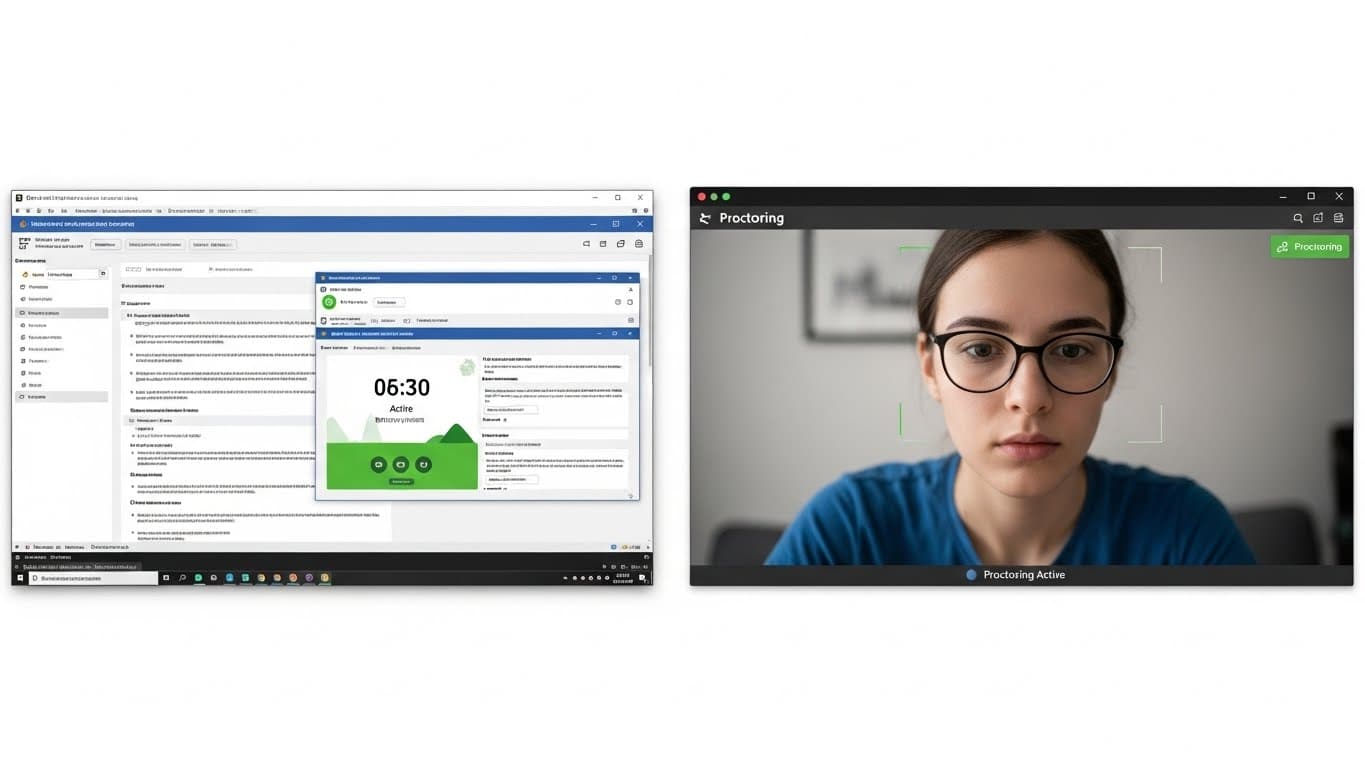
Request Screen Sharing
Ask the candidate to share not just the browser tab, but “Entire Screen” . This way, you can see a ChatGPT window or notes open on the side.
Check for Headphones
If possible, ask candidates to attend without headphones or with simple earbuds rather than large over-ear headphones. People who specialize in cheating can have questions read aloud to an AI and hear the answers through their headphones.
Detecting a Second Screen
If the candidate’s eyes keep shifting to the right or left of the camera, there is probably a second monitor there. Don’t hesitate to ask, “Can I see your desk?”
2) How Can ChatGPT-Assisted Cheating Be Prevented?
Turning on the camera alone is not enough; you also need to put system-level barriers in place to make AI use more difficult.
Prohibit Copy-Paste
Disable right-click and paste (CTRL+V) in the exam interface. If candidates have to type the question into AI manually, they will lose a lot of time.
Time Limit (Timeboxing)
Using ChatGPT requires speed. Set the time per question to “thinking time + 10 sec.” Candidates should not have enough time to type the question into AI, read the answer, and enter it into the system.
Ask Visual Questions
Ask questions that include screenshots or charts instead of text. Although AI can read images, this is much slower than copying and pasting text.
Monitor Browser Focus
If you have exam software, log and flag whether the candidate switches from the exam tab to another tab (e.g., ChatGPT).
3) Ask Questions AI Cannot Answer
AI tools like ChatGPT can answer memorization-based or theoretical questions in a few seconds. So don’t ask “Wikipedia-style” questions.
❌ Wrong Question Type
“How is state management handled in React?”
Risk: The candidate types this question into AI and reads the resulting text.
✅ Right Question Type (Scenario)
“What was the biggest crisis you faced when managing React state in your last project, and how did you resolve it?”
Advantage: AI cannot know the candidate’s personal history. The more detail you ask for, the more a candidate relying on AI will struggle.
4) AI-Assisted Cheating in Technical Interviews and Coding
Coding Interview Checklist
5) How Can You Tell If a Candidate Is Cheating Using AI?
Loss of Eye Contact
If the candidate is looking not at the camera but continually at a specific spot on the screen (for example, the bottom left), or their eyes move as if they are reading something line by line, they are reading an AI response from another screen or window.
Robotic Answers
Be suspicious if spoken answers sound overly formal and textbook-like, using phrases such as “Generally speaking,” “To summarize,” or “Another important point.” Natural speech is more disorganized.
Delayed Answers
Be alert if the candidate stays silent for 5–10 seconds after you ask a question, then suddenly gives a “perfect and fluent” answer.
Typing Speed
If, during live coding, the candidate writes code like a machine—without making a single mistake, deleting anything, or pausing—that is not human behavior. People type, delete, and think.