
Online Exam Security with Real-Time Tracking (RTT)
Online Exam Security with Real-Time Tracking (RTT)As education and exam processes continue to digiti...
A set of systems developed to ensure the security of exams and interviews conducted in digital environments is called online proctoring . With the standardization of remote learning and recruitment processes, one of the greatest needs of institutions, online exam security, has now gone far beyond simply monitoring via camera. Thanks to AI tools such as ChatGPT, Gemini, and Claude, it is now possible to cheat even in the most challenging exams and interviews.
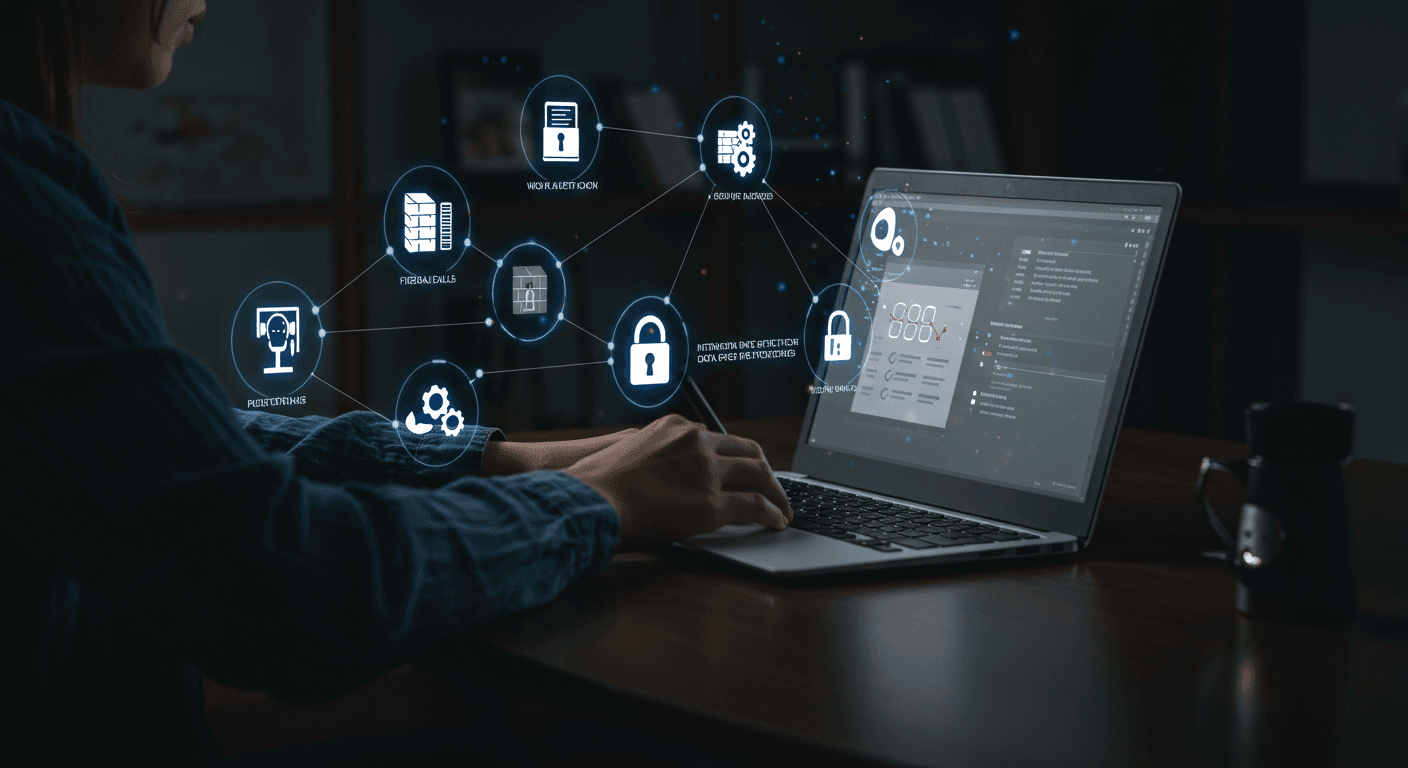
QProctor anti-cheating software; offers browser lockdown to prevent opening new tabs, facial recognition + 2FA, live + AI-powered monitoring during exams, behavioral analysis, and device tracking analysis, making it physically and digitally impossible for candidates to resort to cheating. In other words, QProctor; interview security is a proctoring system for institutions looking to develop a strategy that blocks cheating attempts at the action stage (for example, when opening a new tab). To learn more about the system architecture, proctored exam guide you can read our article.
The foundation of qProctor is its secure exam system, which completely locks the candidate's computer. It provides digital isolation by immediately blocking operating system shortcuts, screen sharing, and virtual machines (VMs).
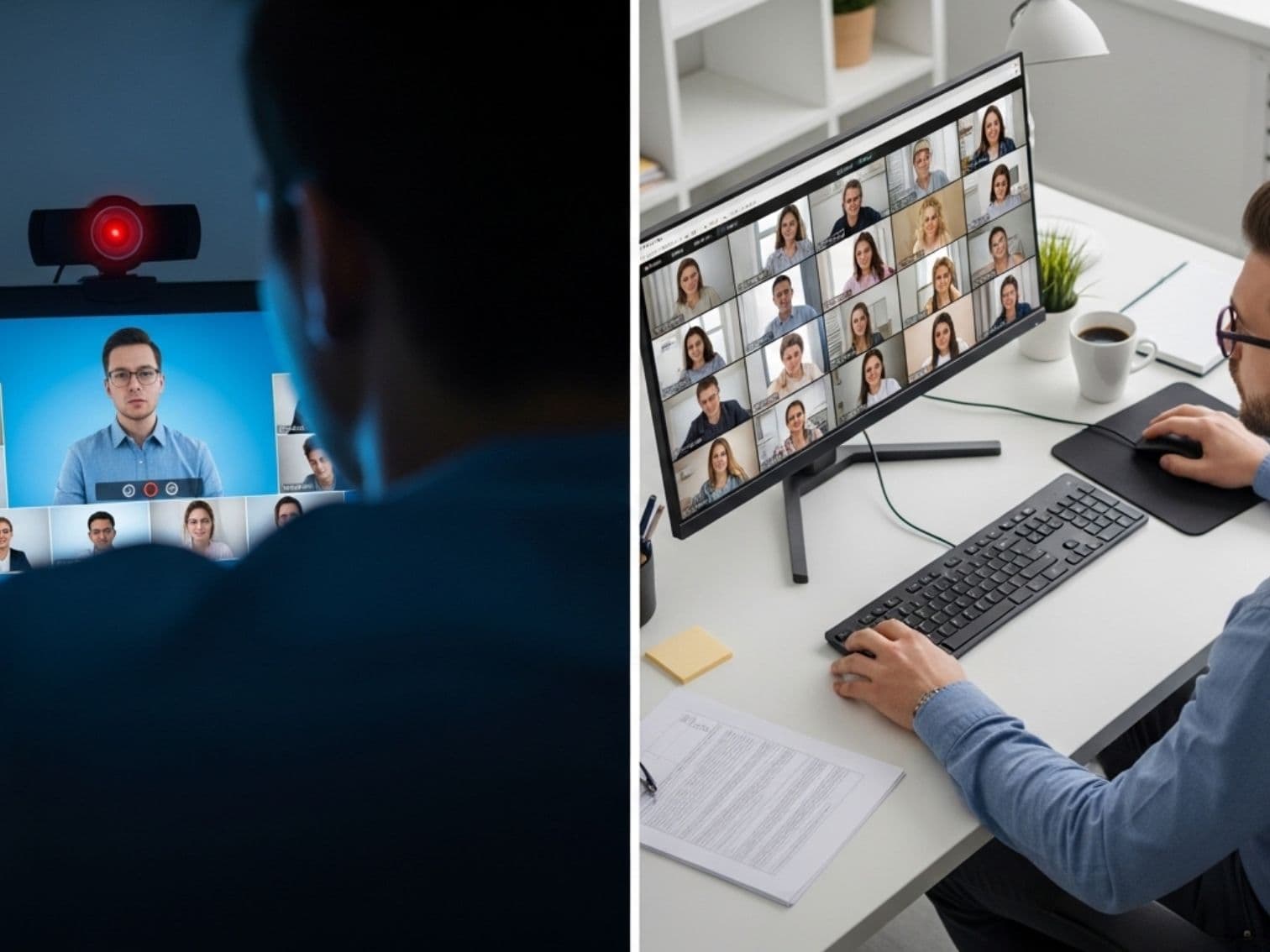
Going beyond ordinary camera monitoring, it performs facial recognition, detects a second person in the environment, analyzes loss of focus, and detects sound-based anomalies, achieving a cheating prevention success rate of 99%.
As online proctoring software, qProctor not only prevents cheating but also protects your intellectual property by preventing your question bank from being printed or screenshotted.
As soon as the exam begins, qProctor locks the desktop and completely blocks access to the Start menu or taskbar.
Why Does It Matter? Candidates cannot switch to background PDFs or WhatsApp. This creates a flawless secure exam system environment.
It detects the use of “dual monitors,” a traditional cheating method, at the hardware level and does not start the exam until the cable is unplugged.
Why Does It Matter? It eliminates screen-mirroring and hardware-based cheating methods that create blind spots. It ensures a genuine interview security .
If a candidate tries to open a new browser tab (“+”) and access search engines during an exam, this feature immediately stops the action.
The proctoring system rejected the command to open a new tab or window.
Why Does It Matter? By cutting off candidates' access to communication platforms or search engines, it establishes a zero-risk serves as a filter for anti-cheating software ecosystem.
AI tools or notes tabs left open in preparation for the exam are detected by the system's smart browser and forcibly closed.
Why Does It Matter? By preventing pre-prepared digital cheating materials and outside assistance from being brought into the exam, online exam security .
Institutions' valuable question banks are protected by blocking Print Screen or printing (Ctrl+P) commands at the operating system level.
Which of the following is an indicator of macroeconomic stability?
Why Does It Matter? It makes it physically impossible for questions developed with R&D budgets worth millions to be leaked online.
Clipboard access is disabled to prevent bringing in prepared answers from AI or another file.
Open-Ended Question Answer Area:
Why Does It Matter? The candidate writes their answer in their own words at that moment. AI-assisted cheating attempts are technically eliminated at the action level.
As soon as the exam begins, qProctor locks the desktop and completely blocks access to the Start menu or taskbar.
Why Does It Matter? Candidates cannot switch to background PDFs or WhatsApp. This creates a flawless secure exam system environment.
It detects the use of “dual monitors,” a traditional cheating method, at the hardware level and does not start the exam until the cable is unplugged.
Why Does It Matter? It eliminates screen-mirroring and hardware-based cheating methods that create blind spots. It ensures a genuine interview security .
If a candidate tries to open a new browser tab (“+”) and access search engines during an exam, this feature immediately stops the action.
Opening a new tab was rejected.
Why Does It Matter? By cutting off access to communication platforms or search engines, it establishes a zero-risk serves as a filter for anti-cheating software ecosystem.
AI tools or notes tabs left open for preparation before the exam are detected and forcibly closed.
Why Does It Matter? By preventing pre-prepared digital cheating materials from being brought into the exam, online exam security .
Institutions' valuable question banks are protected by blocking Print Screen or printing (Ctrl+P) commands.
Which of the following is an indicator?
Why Does It Matter? It makes it impossible for questions developed with R&D budgets worth millions to be leaked online.
Clipboard access is disabled to prevent bringing in prepared answers from AI or another file.
Answer Area:
Why Does It Matter? The candidate writes their answer in their own words at that moment. AI-assisted cheating attempts are technically eliminated at the action level.
When selecting an online exam security solution for your institution, you can use the proactive QProctor software which prevents cheating before it occurs, instead of passive systems that only monitor the camera.
| Security Feature / Metric | Ordinary Solutions | qProctor Technology |
|---|---|---|
| Hardware-Based Cheating (Dual Screens) Prevention | Cannot Detect Hardware | Physical Cable Detection |
| Browser Isolation (Browser Lockdown) | Requires Complex Installation | Instant Cloud-Based Lockdown |
| Behavioral AI Reporting | Requires a Human Proctor | 99% AI Detection Rate |
Discover our online proctoring technology. Request a free demo to explore solutions tailored to your institution and all of qProctor's capabilities.
Request a Free DemoDiscuss the proctoring, identity verification, environment analysis, and reporting workflows suited to your institution with the QProctor team.