
Online Exam Security with Real-Time Tracking (RTT)
Online Exam Security with Real-Time Tracking (RTT)As education and exam processes continue to digiti...
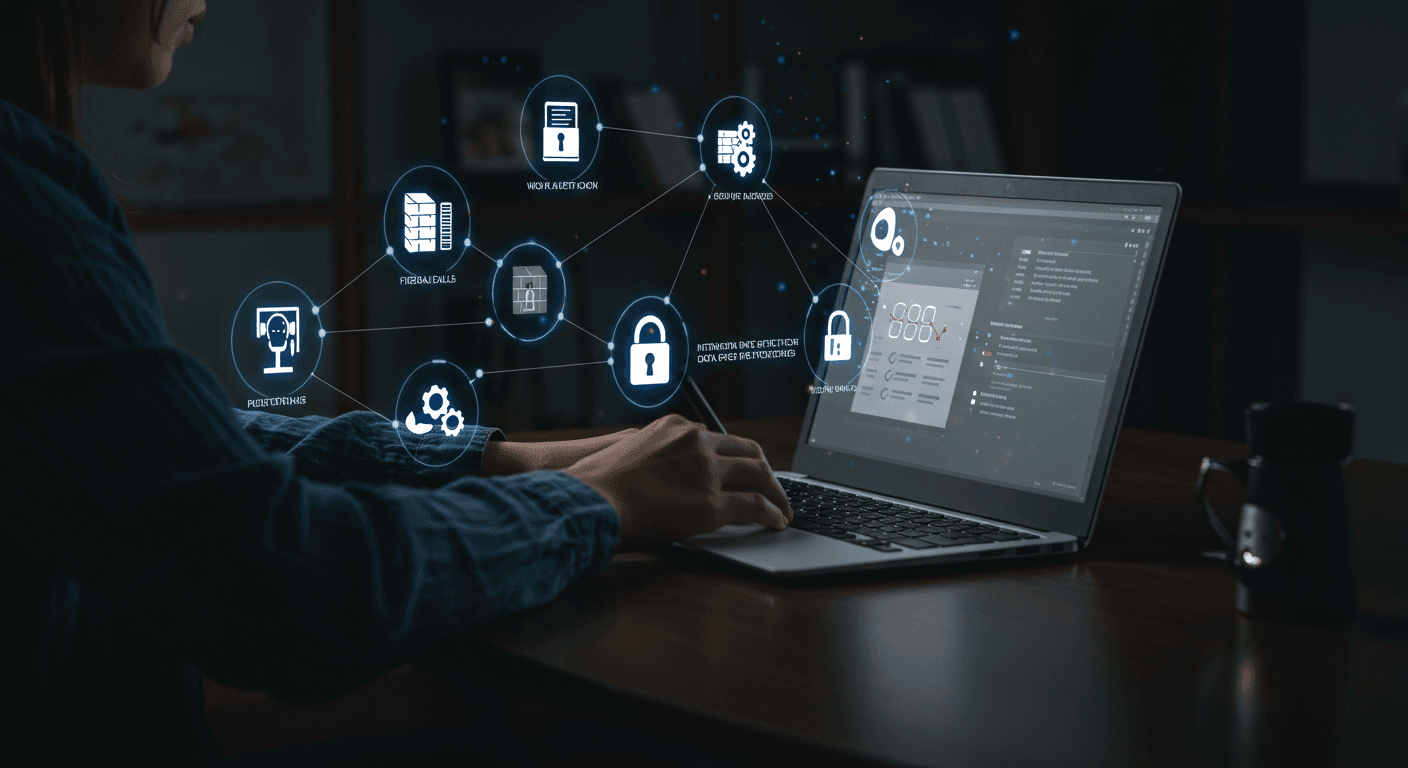
In this QProctor guide, we examine the architecture of AI-powered remote proctoring technologies replacing physical test centers, asymmetric cheating threats, and enterprise purchasing criteria.
Proctoring (Remote Monitoring): A security technology that uses AI algorithms to monitor a candidate’s screen, camera, and surroundings during exams and interviews to prevent cheating and fraud.
The Problem It Solves: It is used to eliminate the use of fake identities, online cheating, AI-assisted cheating, virtual machines, and screen-mirroring tricks in online exams and interviews.
Who Is It For: HR departments looking to reduce recruitment costs, global certification providers, universities, and public institutions that conduct merit-based assessments.
The early stages of online exam security technologies relied on rigid, rule-based algorithms and AI automation.
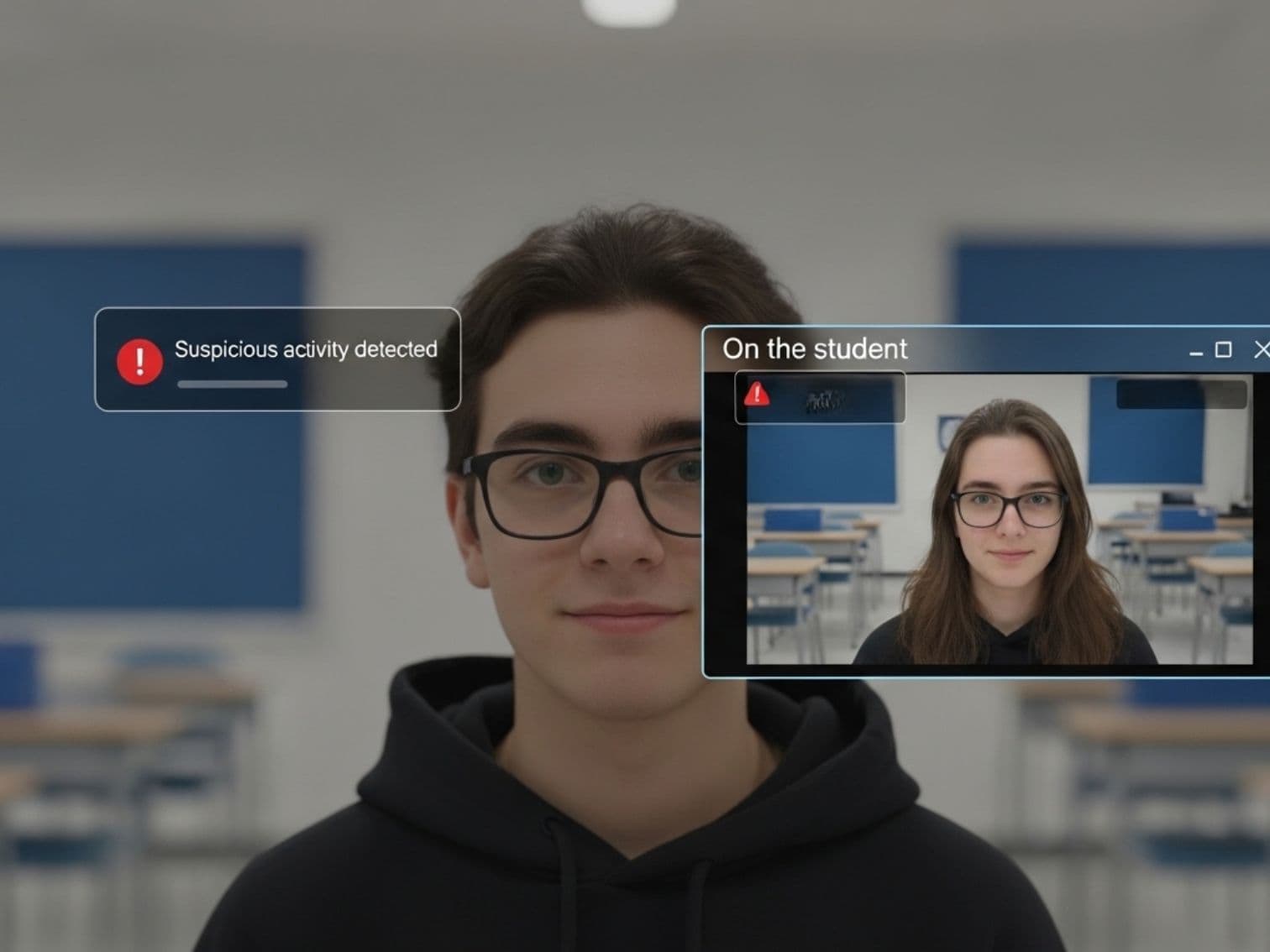
Autonomous systems based solely on machine learning eventually experience contextual blindness They label a candidate looking away from the screen while thinking, or harmless traffic noise from outside, as “high-risk cheating,” generating massive numbers of false positive alerts. This undermines the sense of fairness.
In next-generation proctoring systems, AI operates only as a “pre-screening” layer that filters data. The anomalies detected are presented to human proctors who can assess the candidate’s intent and environmental factors. The decision is made not by AI, but by a human informed by the data.
Not just facial features, but anomalies in keyboard typing rhythms, response times, and mouse acceleration are continuously analyzed.
In addition to the webcam, a secondary mobile camera (phone) is integrated to show the candidate’s workspace, screen, and hands.
Copying and pasting, opening new tabs, screen recording, and access to malicious extensions are completely blocked at the operating system level.
An AI-powered audio analysis engine that isolates whispers in the room and dictation instructions from outside from ambient noise.
The Threat: AI-based face-swapping and voice-cloning tools have become asymmetric weapons for organized cheating networks to “take exams on behalf of candidates.”
Traditional systems cannot detect “facial filtering” manipulations that alter the test-taker’s pupils to make them appear to be looking directly at the camera. Modern proctoring software offers the following solutions:
Corneal light reflections and natural micro-expressions are scanned to verify that the image is not a fake video or a mask.
Even if facial recognition is bypassed, the system immediately raises a cheating alert if keyboard-typing dynamics and voice rhythm do not match.
Specialized models that detect pixel-rendering errors (artifacts) in synthetic videos and lip-sync mismatches.
Ordinary systems that use only software-based browser lockdowns can be easily bypassed through physical hardware interventions. The way to stop these tricks, which operate outside the operating system, is “Behavioral Analytics” and “Pedagogical Design.”
| Type of Physical Threat | Software Vulnerability | Solution: Next-Generation Proctoring |
|---|---|---|
| HDMI / Capture Card (Screen Splitting) | At the hardware level, the operating system sees the signal split via cable as a “single monitor,” so the lockdown is not triggered. | Use pupil deviation analysis and dual-camera environment monitoring with a mobile phone. |
| Virtual Machine | The lockdown applies only to the virtual environment; the host operating system remains open in the background, allowing searches on Google. | Analyze mouse/keyboard input latency and scan the system for background hypervisor services. |
| Hidden Secondary Device (Phone Under the Desk) | Because the phone is not connected to the computer network, it does not appear on the software’s radar (IP logs). | Present questions to each candidate with randomized answer choices and prevent backward navigation. |
A candidate’s face, voice, and room images are classified as “Special Categories of Personal Data” (Biometric Data). are classified as such. The legal compliance of exam security software must be based on the following four fundamental principles:
Pre-checked consent boxes are invalid. Candidates must be clearly informed about what data will be collected, for what purpose, and how long it will be stored, and granular consent must be obtained.
If simple identity verification is sufficient, in-depth facial mapping cannot be required. In accordance with the purpose limitation principle, camera recordings must never be used to train the institution’s AI or for advertising purposes.
All biometric data is encrypted using the AES-256 algorithm. When the legal retention period (e.g., 6 months) expires, or when a candidate exercises their “right to be forgotten,” the data is permanently and irreversibly deleted.
For individuals who do not wish to provide biometric consent (so that consent can be considered freely given), the institution must provide the right to take a physical or alternative exam free of charge.
The era of software operating as an independent, external platform is over. Deep system integration is essential for seamless data flow and a smooth candidate experience.
For universities, the software connects to LMS platforms such as Moodle, Canvas, and Blackboard via OAuth 2.0. Students go directly into the exam using a single password (SSO), and violation notes are automatically recorded in the LMS Gradebook.
For corporate recruitment, the software is embedded in in-house assessment software or Applicant Tracking Systems (ATS) as a native API or IFRAME. This prevents the company’s proprietary coding interview questions from being leaked.
The Inclusion Challenge: Strict browser lockdowns may mistake a visually impaired candidate’s screen reader software or the keyboard navigation of a candidate with limited motor skills for a “harmful third-party application / cheating” and disable it.
Legal and Ethical Solution: For an equitable assessment, the software must meet the WCAG 2.1/2.2 AA level and have a legally required VPAT document. Assistive technologies such as JAWS and NVDA are added to the system’s allowlist, and administrators are given the ability to assign candidates extra time/breaks as needed.
An accessible and fair exam experience is not only ethical, but also a legal requirement to protect against discrimination lawsuits.
Millions of lines of video, audio, and telemetry data are converted into actionable visual dashboards so as not to overwhelm exam committees and decision-makers.
AI scores a candidate’s integrity level mathematically as a percentage. This is a “prioritization” system that saves reviewers time.
Deviations in the candidate’s gaze direction or keyboard speed-ups (indicators of copying and pasting) are identified graphically on a timeline using color coding.
Forensically sound incident reports are generated using timestamped video clips, IP records, and log records. They legally protect the institution when a student formally appeals a decision.
When tens of thousands of candidates log in at the same second during university finals or national exams, video servers become a bottleneck. To prevent system failures, systems need dynamic cloud-based horizontal scaling and the ability to work even if a candidate’s internet connection drops, through offline caching .
Legacy-architecture software purchased based solely on “low per-license cost” creates a hidden operational interest burden (technical debt) for institutions through data breach risks, poor integration, and failing infrastructure. Decision-makers should focus not on short-term price, but on Total Cost of Ownership (TCO) .
When looking for a proctoring solution, a disciplined decision matrix should be created and approved by the IT, HR, and Legal departments.
Evaluate the proctoring, identity verification, environment analysis, and reporting workflows suited to your institution with the QProctor team.