Online Exam Security with Real-Time Tracking (RTT)
Online Exam Security with Real-Time Tracking (RTT)As education and exam processes continue to digiti...
A proctored exam;
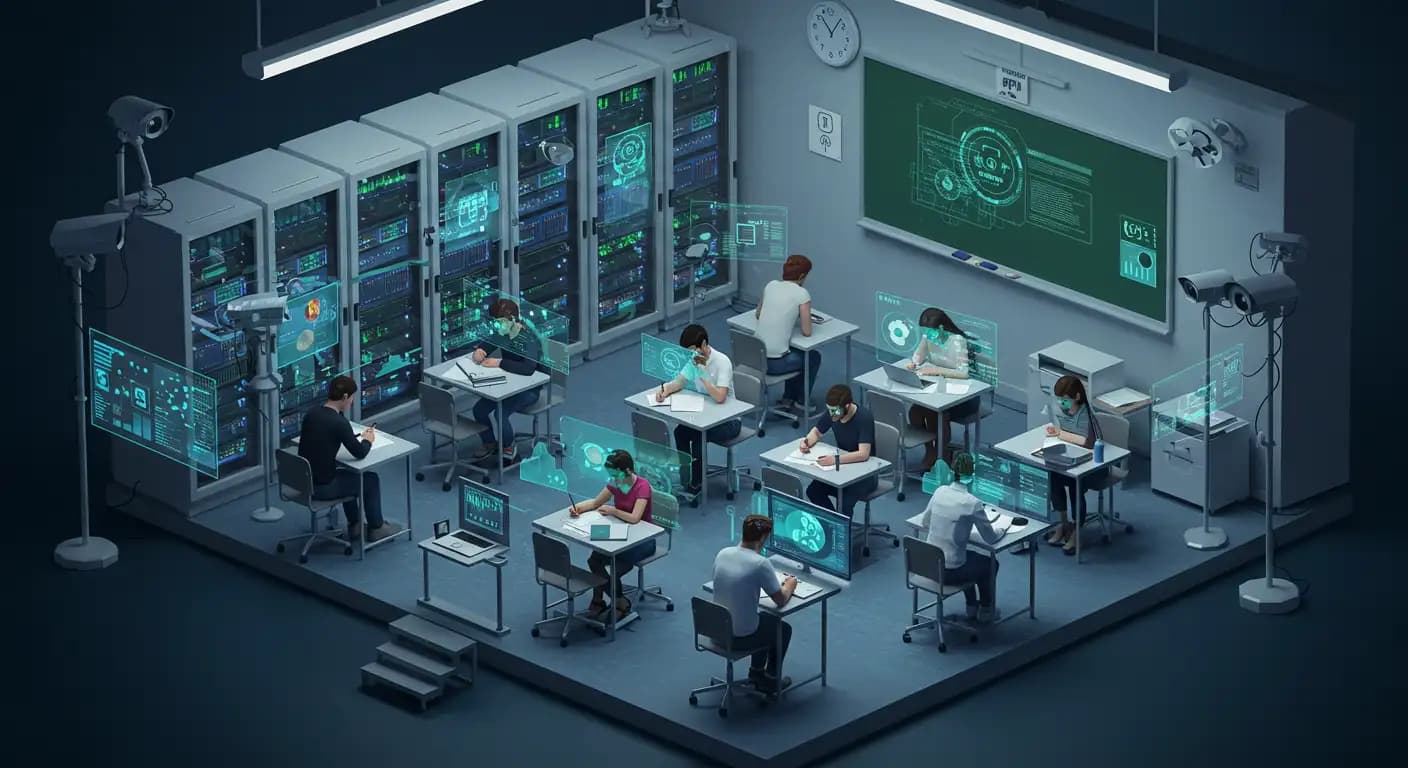
Exam and interview formats that ensure security through identity verification, time/rule monitoring, and suspicious behavior detection conducted by a human proctor or digital proctoring services are called proctored exams or interviews.
In this QProctor guide, we’ll explain how proctored exams and interviews work.
A proctored exam, in academic/certification and recruitment assessments conducted online or in person, is a secure type of exam.
that prevents rule violations and provides evidence when needed by verifying the candidate’s identity and continuously monitoring the exam process using a human proctor or proctoring software. In proctored exams and interviews, the candidate’s identity is verified first. Then webcam/screen/microphone recording, browser lockdown, tab/device monitoring, liveness checks, and AI-assisted behavioral analytics are carried out.
Online proctoringworks by verifying the candidate’s identity and monitoring the session using multiple signals in school/university exams, certifications, and companies’ recruitment tests or video interviews.
Before the session begins, the candidate’s identity and face are verified, fake presentations are prevented through liveness checks, and the suitability of the device and environment (camera-microphone, connection, room scan and a second camera if required) is checked.
When the session begins, the browser/device is locked down. Copying and pasting and switching between tabs are blocked. If a second screen or external device is used, AI detects it and triggers an alert.
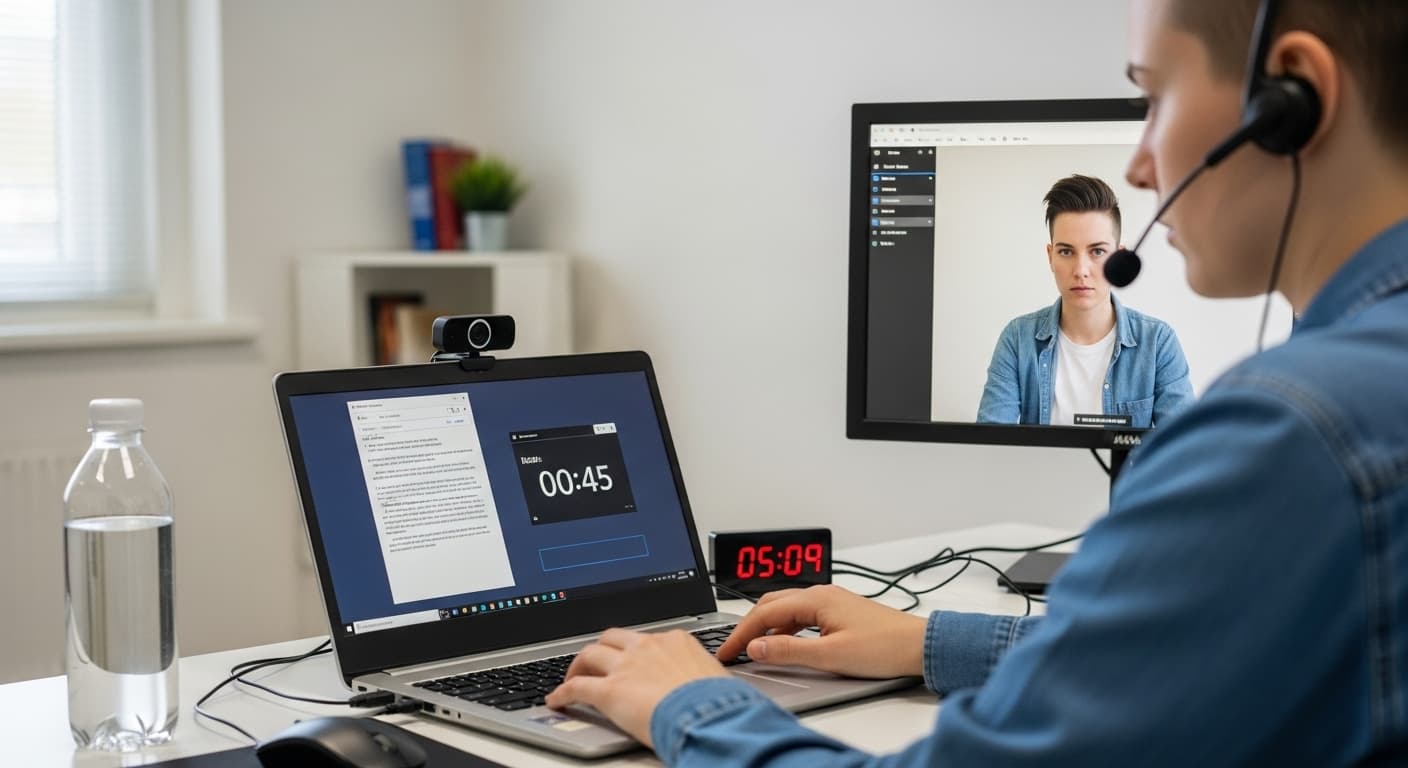
The system also monitors the candidate’s webcam, screen, and microphone feeds during the exam/interview. Lip and eye movements are tracked in real time with the help of AI, and suspicious activities are recorded.
Feature | Proctored | Non-Proctored |
Supervision | A human proctor or software monitors the exam live/automatically. | No monitoring; no proctor is present. |
Identity verification | ID + selfie/face matching; often liveness checks are also performed. | Basic identity check. |
Camera/Screen recording | Webcam and screen (and microphone, if required) recordings are made; live monitoring is available. | No recording. |
Browser/device restrictions | Locked browser; switching tabs/apps, using a second screen, and copy-pasting are blocked. | Unrestricted; very few limitations. |
Question design | Suitable for every format; rules are clear, and timing and structure are stricter. | Open-ended/research-oriented questions are more common. |
Cheating risk | Low | High |
Privacy | Higher; room/screen monitoring may be used. | Lower; more comfortable because there is no monitoring. |
Cost/operations | Costs are slightly higher due to the proctor and software. | More economical. |

The candidate’s surroundings are recorded from a wide angle using a second camera in addition to the primary webcam, and analyzed in real time or afterward. This makes materials on the desk, the presence of another person, a second screen, and prohibited devices visible.
To prevent attempts involving fake faces, masks, or deepfakes, indicators such as facial movement, blinking, head position, and light reflections are verified in real time. The system distinguishes a photo or video recording from a live session; if something is suspicious, it triggers an additional verification step (a new selfie, a random movement). This ensures that the person taking the exam is the “actual candidate.”
If the internet connection is lost, the exam continues securely; answers and activity logs are stored encrypted on the device. When the connection is restored, all data is automatically uploaded to the server with an integrity check.
Copying and pasting, taking screenshots, and switching tabs/apps are blocked in the locked browser. The system issues an alert or stops the session when a second screen or external device is detected.
The selfie and ID photo are matched using AI; if inconsistencies, masking, or signs of manipulation are found, the system requests an additional check. When used together with liveness, it continuously verifies before and during the exam that “the person in the session = the candidate who applied.”
Candidates and proctors can communicate instantly via video, audio, or embedded chat. If a candidate leaves the frame, or if there are issues with noise, lighting, framing, or rule violations, the proctor provides guidance and, if necessary, prepares an incident report.
Proctors monitor the session in real time, flag suspicious behavior, and take action to warn, pause, or end the session when necessary.
Candidates can take the exam using iOS and Android devices; a phone can also be used as a second camera. The mobile app guides network and hardware tests and enforces security restrictions (such as keeping the camera fixed and blocking notifications).
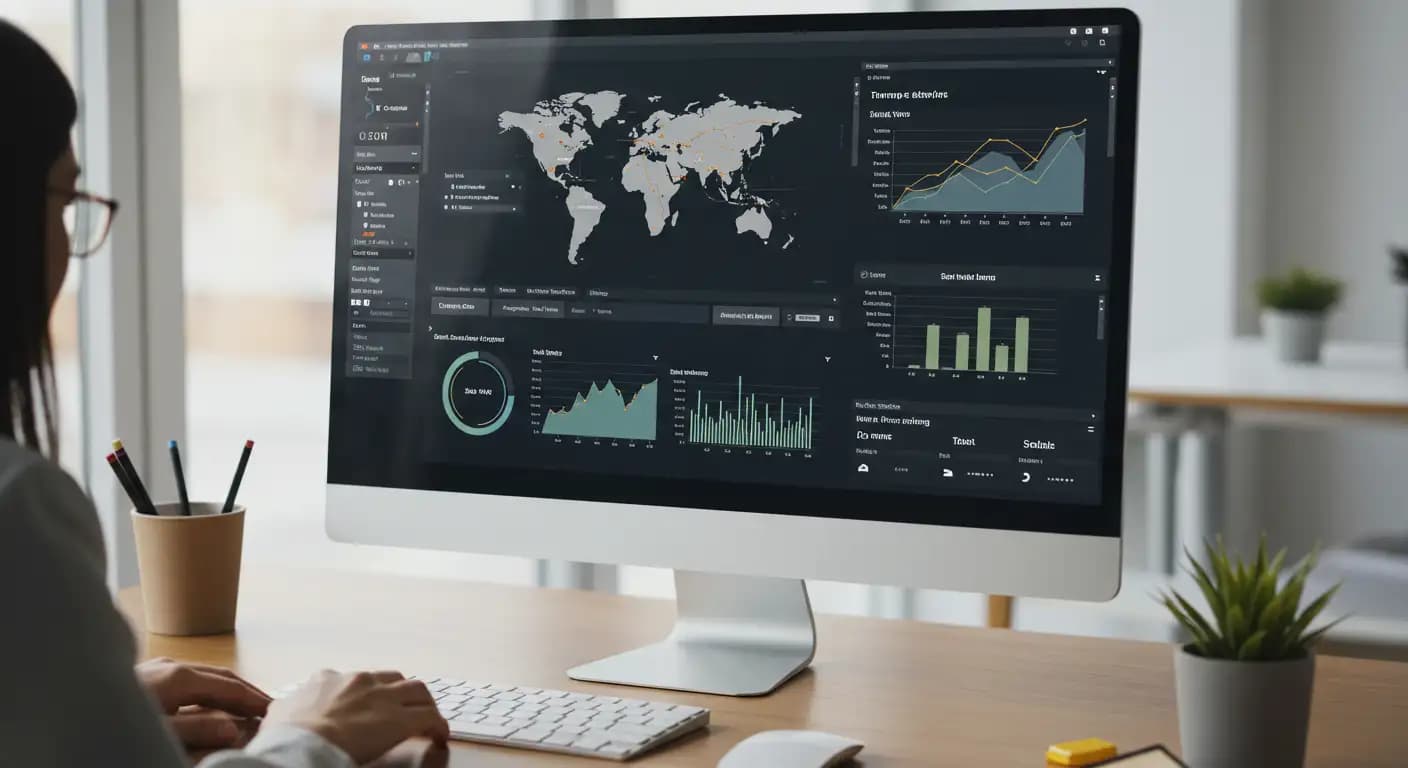
A risk score is generated by combining +20 parameters, such as eye movement tracking, multi-face/voice detection, tab-focus changes, large-block pasting, and second-screen/USB detection. The system distinguishes low-risk “warnings” from high-risk “violations” and flags cases for human review to reduce false positives.
A single proctor can manage hundreds of candidates (e.g., 250) in a live session from the same dashboard.
Discuss the proctoring, identity verification, environment analysis, and reporting workflow suited to your organization with the QProctor team.