How Does a Proctored Exam Work?
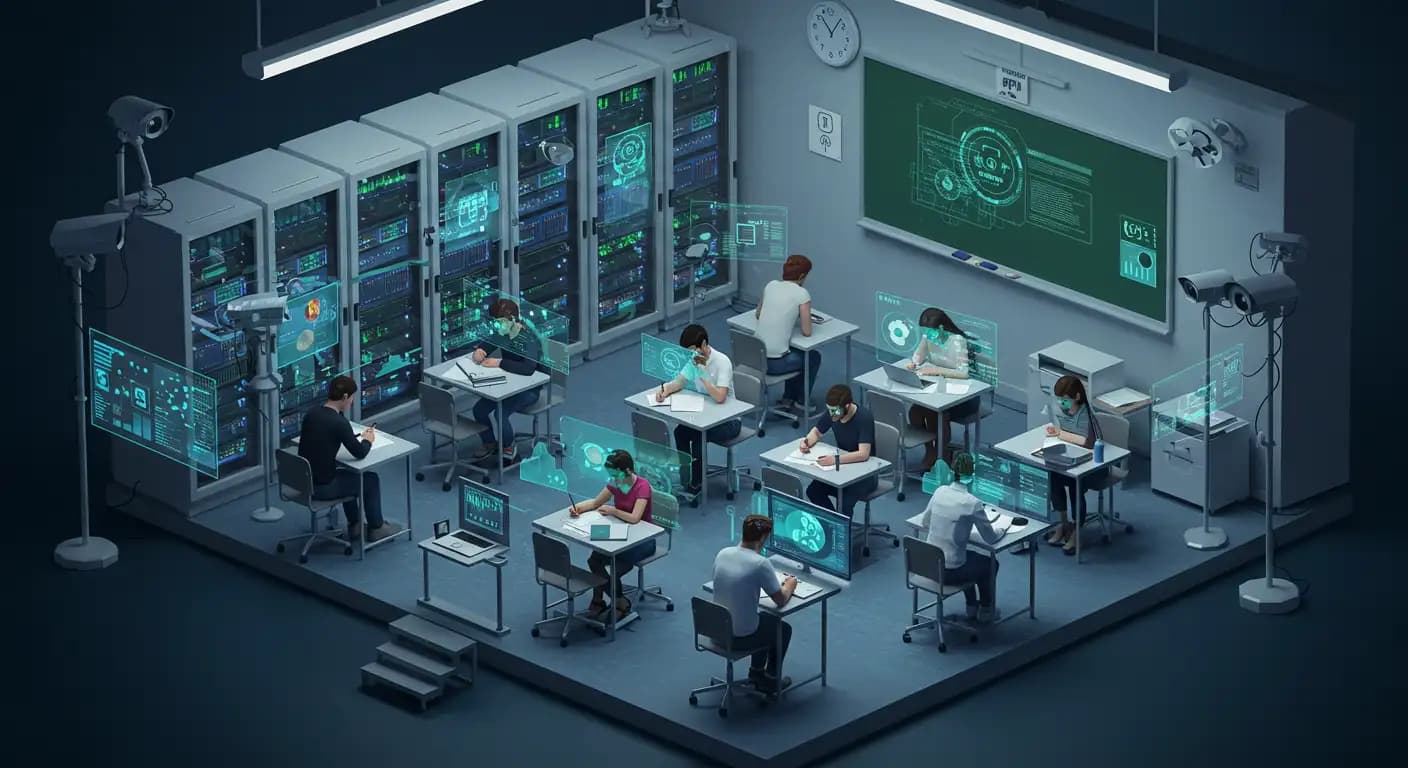
Proctored exams are a type of exam in which a candidate (student, certification candidate, or job applicant) is monitored during an assessment to verify that they follow the rules and do not receive unauthorized assistance. Traditionally, this monitoring was provided by the presence of an in-person proctor in an exam room, while digital transformation has made the process possible remotely as well.
The primary purpose of proctored exams is to ensure and protect the integrity of the assessment. This aims to create a fair and level playing field for all candidates participating in the assessment.
The global changes triggered particularly by the COVID-19 pandemic have turned remote learning and remote work models from an exception into the “new normal.” This inevitable transition has brought a critical issue with it: The trust and verification gap. Without an in-person proctor, the question has arisen of how to guarantee the legitimacy of a student's diploma or a candidate's certification.
Strategic Solution
Proctored exam technology was developed specifically to close this trust gap. Without this technology, it would not be possible for online degree programs offered globally or remote technical hiring interviews to maintain their current credibility and scale.
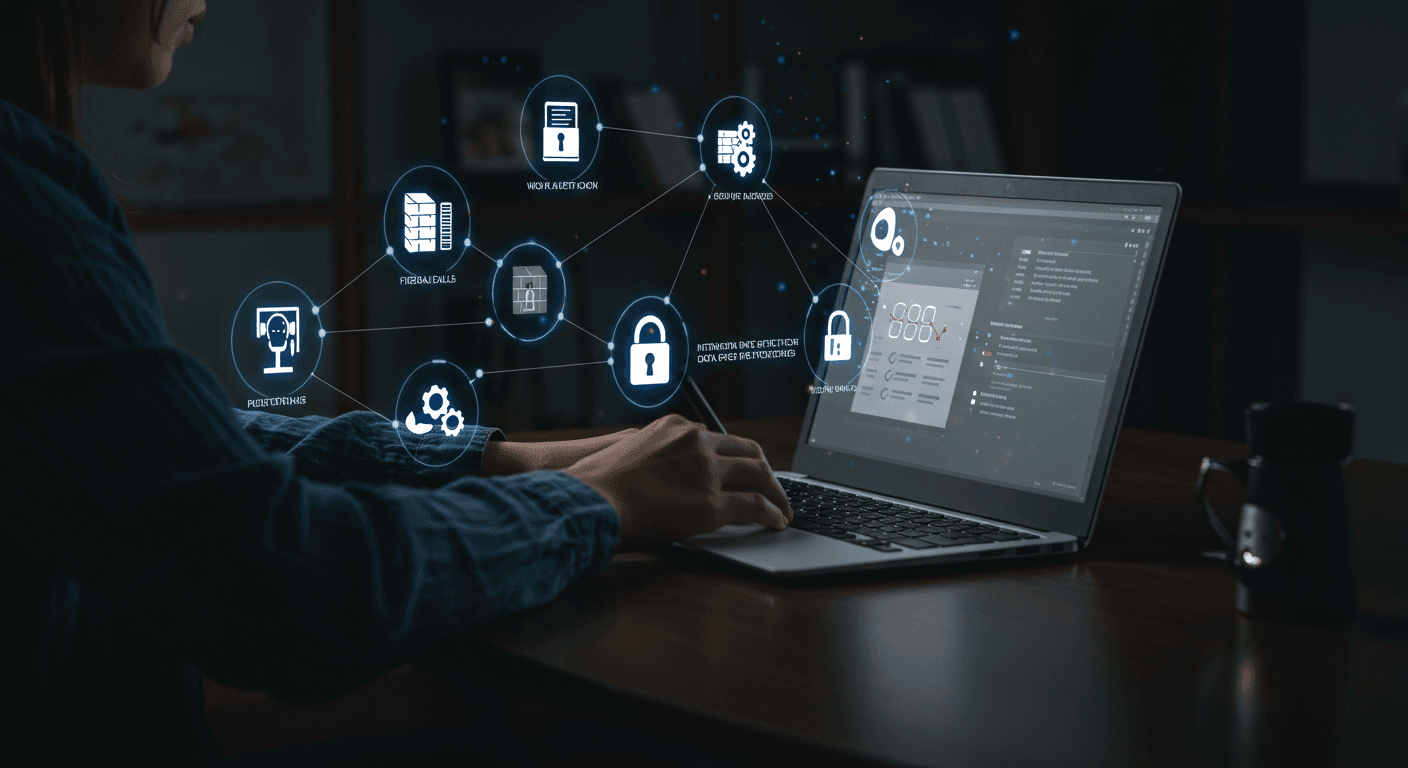
Proctored exam technology goes far beyond a simple webcam recording; it consists of a multilayered process that includes identity verification, environment checks, AI-powered behavioral analysis, and secure reporting. By creating a sense of accountability in the candidate, this process aims not only to detect attempts to cheat but also to deter the intention to cheat from the outset.
How Does Proctored Exam Technology Work?
The technical infrastructure of proctored exams can be thought of as a layered security protocol built one layer upon another. The process extends from pre-exam preparation to active monitoring during the exam, with different technologies coming into play at each stage.
-
1
Stage 1: Identity Verification and Environment Check
The proctored exam process begins with the question, “Is the person taking the exam who they claim to be?” The candidate shows their official ID to the camera. Facial recognition technology compares the candidate's live image with the photo on their ID. The candidate is then asked to rotate their camera 360 degrees to show the exam environment (a room scan).
-
2
Stage 2: Securing the Exam Environment (Lockdown Browsers)
The candidate's digital exam environment is secured with a Lockdown Browser. This specialized software turns the candidate's computer into a single-purpose “exam terminal.” However, this technology cannot detect a phone under the candidate's desk or someone entering the room, so it is insufficient on its own.
-
3
Stage 3: Active Monitoring and AI-Powered Behavioral Analysis
AI continuously analyzes the candidate's behavior (eye movements, head position), sounds in the environment (whispering, talking), and objects on the screen (mobile phone). It “flags” anomalies that deviate from normal behavior (looking away from the screen for a long time, detecting a second face in the room) and reports them for human review after the exam.
What Is a Lockdown Browser Used For?
A lockdown browser is the first line of defense against digital cheating attempts and technically blocks the following actions:
- Opening new tabs or navigating to another website (the URL bar is locked).
- Copy-and-paste (clipboard) functions.
- Taking screenshots (Print Screen) or issuing print commands.
- Switching to other applications (Slack, Zoom, Notepad) (Alt+Tab is blocked).
- Right-click menus and keyboard shortcuts.
In most modern proctoring systems, AI's primary role is not to make a final decision that a candidate has “cheated.” Its role is to record and document anomalies as a “flag” and add the incident's timestamp to a report. The final decision is almost always based on a human reviewer (instructor or institutional representative) reviewing the video recordings of these “flagged” moments.
Types of Proctored Exams
Proctoring technology is not a “one-size-fits-all” solution. Different operational models are available for institutions to choose from, depending on their budget, scalability needs, flexibility requirements, and required security level.
1) Live Remote Proctoring
This is the closest to the traditional exam-room experience. The candidate is monitored in real time by a human proctor throughout the exam. It offers the highest level of security because the proctor can intervene immediately if something suspicious occurs. However, it is the most expensive model, the hardest to scale, and the least flexible for candidates.
2) Record & Review Proctoring
There is no live proctor during the exam. The software records the entire exam (camera, microphone, screen). After the exam, these recordings (or segments flagged by AI) are reviewed by a human proctor. It is less expensive, flexible (on-demand), and scalable. Its biggest weakness is that intervention is delayed; cheating cannot be stopped as it happens.
3) Automated / AI Proctoring
This model automates almost the entire process. Identity verification and behavioral analysis are managed by AI. The system flags suspicious incidents and generates a “risk score” report. It is the least expensive, most scalable, and most flexible model.
4) Hybrid Models (AI-Assisted Proctoring)
This is the most modern and efficient approach. AI monitors thousands of candidates simultaneously (the scalability of the automated model) and sends an incident to a live human proctor's screen ONLY when it detects something suspicious (e.g., a second face in the room). The human proctor intervenes immediately (the intervention capability of the live model). In other words, the hybrid proctored exam model combines AI's scalability with human judgment.
Features of Proctored Exams
| Model Type | Proctoring Type | Intervention Speed | Scalability | Typical Cost | Flexibility |
|---|---|---|---|---|---|
| Live | Human (Real Time) | Immediate | Low | High | Low |
| Record & Review | Human (Afterward) | Delayed | High | Medium | High (On-Demand) |
| Automated (AI) | AI (Reporting) | None (Reporting Only) | Very High | Low | High (On-Demand) |
| Hybrid (AI + Live) | AI (Filter) + Human | Immediate (If Flagged) | High | Medium-High | High (On-Demand) |
What Exactly Is a Proctored Exam Used For?
Proctored exam technology is a strategic tool that addresses the distinct and critical needs of both academia and the corporate world.
Proctored Exam Debates Around the World
Despite the efficiency and security benefits it offers, proctored exam technology also brings serious ethical debates and risks.
Privacy Debates
Civil rights advocates such as the Electronic Frontier Foundation (EFF) argue that this software is not simply a “cheating prevention tool” but instead creates a “surveillance ecosystem” in schools and workplaces and normalizes spying.
Equality and the Digital Divide
Proctoring software implicitly requires candidates to have a certain socioeconomic standard and level of privilege: high-speed, uninterrupted internet; a modern computer; and a quiet, private room where they can be completely alone for the duration of the exam. These requirements create insurmountable barriers for low-income candidates who live in crowded homes, lack stable internet, or cannot afford the necessary equipment.
Proctored Exam Guide for Candidates (Test Takers)
Taking a proctored exam can be stressful, especially if it is your first time. Knowing and preparing for the technical and environmental requirements of the process in advance will help minimize problems on exam day.
Preparation Before Exam Day (Technical and Environmental)
- System Check: Be sure to run the “System Compatibility Check” tool provided by the exam platform. Confirm that your camera, microphone, and internet speed are adequate.
- Software: Install the required software (e.g., Lockdown Browser) before exam day. Restart your computer immediately before the exam.
- Preparing Your Environment: Choose a quiet, well-lit, private space with a door that can be closed. Make sure no one will enter the room (you can put a note on the door).
- Clear Your Desk: Clear your workspace (desk) completely. Move all materials, including books, notes, mobile phones, smartwatches, and headphones, out of arm's reach.
- Personal Preparation: Have a valid, photo-bearing official ID (passport, driver's license, etc.) ready. Use the restroom immediately before the exam; most proctored exams do not allow breaks.
During the Exam
- Sign In: Log in to the system at least 10 minutes before the exam for technical checks.
- Identity Verification: The system or live proctor will ask you to clearly show your ID and face to the camera.
- Room Scan: You will be asked to use your camera to slowly scan the top and underside of your desk and the entire room (360 degrees).
- During the Exam: Stay within the camera's field of view throughout the exam. Do not speak to anyone else in the room or read/murmur the exam questions aloud. Avoid looking away from the screen for extended periods.
- Technical Issue: If you experience an issue such as an internet outage or the exam freezing, do not panic. Proctoring software usually has a “Support” or “Chat” button. Contact the proctor immediately.
- Finishing the Exam: When you have completed the exam, notify the proctor via the chat box and wait for them to end the session.
Exam Day Checklist for Candidates Taking a Proctored Exam
| Checklist Area | Requirements | Tips and Common Mistakes |
|---|---|---|
| System and Software | Install the software in advance. Run a “System Check.” Have administrator privileges. |
Tip: Do not use a company computer or a computer that does not belong to you. Mistake: Company computers may block the software because of firewalls. |
| Exam Environment | Choose a quiet, private (with a door that can be closed), well-lit room. Your desk should be clear. |
Tip: Put a note on your door saying “I'M TAKING AN EXAM, DO NOT ENTER.” Mistake: Even whispering or TV noise in the environment may be flagged as “suspicious” by AI. |
| Personal Preparation | Have a valid, photo-bearing official ID ready. Use the restroom before the exam. |
Tip: Breaks or leaving the room are generally prohibited. Mistake: Smartwatches, headphones, and hats are prohibited. |
| Behavior During the Exam | Stay within the camera's field of view. Do not speak to anyone. Use the chat box if you experience a technical issue. |
Tip: Do not panic; live proctors are there to help. Mistake: Reading/murmuring questions aloud may be flagged by AI as “talking to someone else.” |
In Summary
Principles for Responsible Implementation
- Transparency: Clearly explain to candidates what data is collected, why and how it is collected, who will review it, and how long it will be retained.
- Data Minimization: Collect only data that is strictly necessary and destroy it within a reasonable period after the validity of the exam has been confirmed.
- Offering Alternative Options (The Most Critical Principle): Be sure to offer alternative assessment options (e.g., physical exam centers, project-based assessments) for candidates who lack the necessary equipment/internet, who may be unfairly flagged by AI because of disabilities, or who have legitimate privacy concerns.
In conclusion, proctored exam technology is an attempt to automate the need for “trust.” However, research shows that AI alone is not a “reliable” judge and that human oversight and ethical rules are indispensable in this process. The ultimate goal should be to use technology not as a “surveillance weapon” but only as one part of a fairer, more accessible, and more honest assessment ecosystem.
Frequently Asked Questions (FAQ)
It is an exam in which a candidate is monitored to verify that they follow the rules and do not receive outside assistance. The exam is monitored remotely using technology (webcam, microphone, AI). Its primary purpose is to ensure the integrity and fairness of the exam.
A Lockdown Browser secures your computer's digital environment during the exam. It technically prevents you from searching for answers online (opening new tabs), getting help from other applications (notes, messaging), copying and pasting, or taking screenshots. It allows you to focus only on the exam screen.
In most modern systems, AI does not make the final decision; it only flags moments it considers “suspicious” (e.g., looking away, murmuring). The final decision about your exam rests with a human reviewer (your instructor or an institutional representative) who reviews the flagged video recordings. The human reviewer evaluates in context whether your behavior was innocent (e.g., thinking) or suspicious (e.g., looking at a phone).
Do not panic. Most proctoring software (especially live or hybrid models) has a “Support” or “Chat” button. Use this button to contact the proctor immediately. Calmly explain the situation. Proctors are familiar with these types of technical issues and can generally help you restart or continue the exam.