
Online Exam Security with Real-Time Tracking (RTT)
Online Exam Security with Real-Time Tracking (RTT)As education and exam processes continue to digiti...
Zero-tolerance online exam security
Academic Proctoring: A security technology that prevents cheating by using AI to monitor students’ cameras, screens, and ambient audio during remotely administered midterm, final, or exemption exams.
The Problem It Solves: It is used to eliminate students having someone else take an exam for them, using AI tools such as ChatGPT, or leaking questions by sharing their screens in WhatsApp or Telegram groups.
Target Audience: Universities’ Distance Education Centers (UZEM), IT departments, Academic Assessment Boards, and higher education institutions that enroll international students.
An unproctored exam delivered solely through Moodle, Canvas, or Blackboard can undermine academic integrity. Today’s students have an incredibly high level of digital literacy and can bypass ordinary restrictions in seconds.
Students mirror the exam tab live to an external cheating group through Teams or Zoom running in the background, and receive answers via headphones or phone.
If opening new browser tabs is not prohibited, students can copy questions and paste them directly into ChatGPT to generate perfect essay and test answers in seconds.
Technically savvy students can confine the exam lockdown software inside a virtual Windows environment while freely continuing to search Google on their host computer.
This involves paying someone else to take the exam in place of the actual student, or committing identity fraud by displaying a fake photo or deepfake video to the camera.
QProctor; is a multilayered, AI-powered proctoring and browser lockdown software designed to eliminate all the academic misconduct listed above. It verifies the student’s identity, locks their screen, and records any unusual activity throughout the exam using their camera and microphone.
Request a Free DemoIt ensures exams provide a fair assessment by definitively blocking ChatGPT, virtual machines, and screen sharing.
Connects to Moodle, Canvas, and Blackboard in one click (LTI 1.3). System setup takes just 48 hours, not weeks.
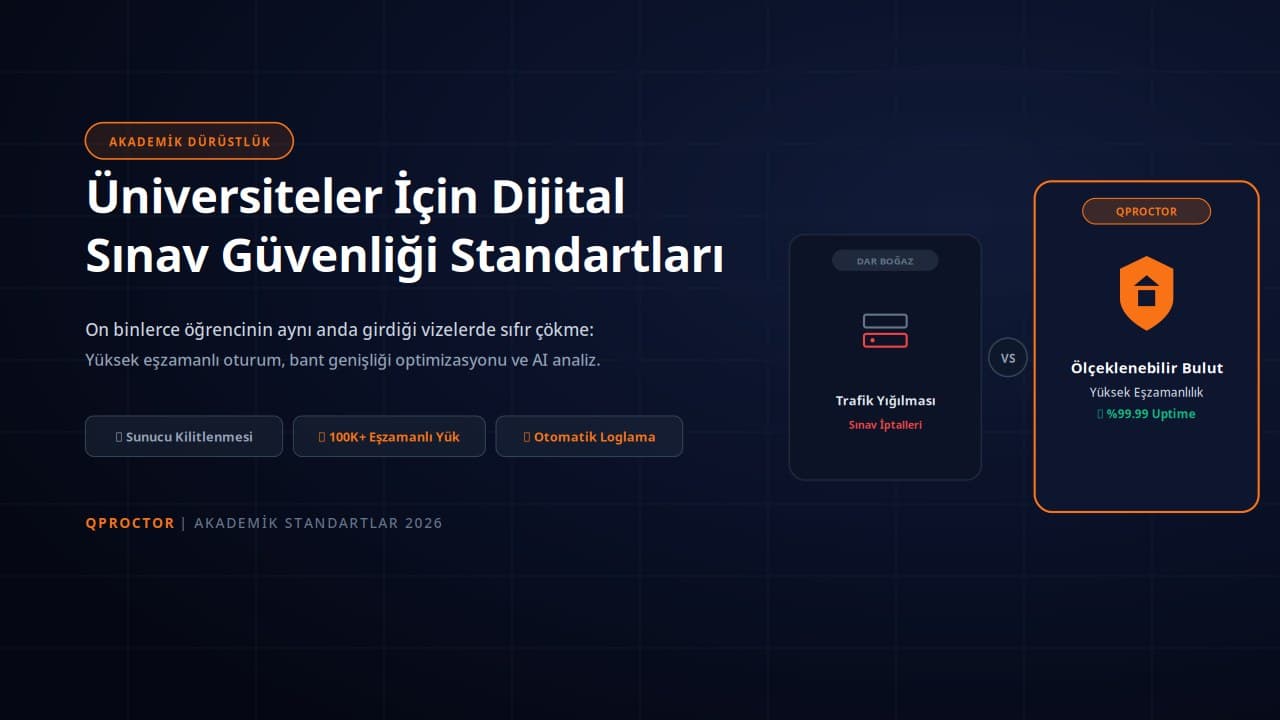
Even if 10,000+ students take their final at the exact same time, the system never crashes thanks to its “horizontal scaling” infrastructure.
It biometrically matches the student’s face to the photo on file with student affairs, eliminating the threat of impersonation.
Student data is encrypted with AES-256, explicit consent is obtained, and the data is permanently destroyed when the statutory retention period expires.
It provides immediate support to both university administrators and students experiencing technical issues to reduce exam stress.
For a university IT department, teaching tens of thousands of students and academics how to use a new platform and registering them is impossible. QProctor integrates seamlessly with your institution’s existing Learning Management System (LMS) system.
Thanks to the industry-standard protocol, the software is embedded natively in Moodle or Canvas.
Students do not register on an external site. They sign in with their student information system credentials and are directed straight to the secure exam.
Instructors can view exam settings and cheating violation reports directly from the LMS dashboard they already use, without leaving it.
Risk of System Crashes: When 20,000 students at a university take a final exam at the same time, it creates a bottleneck for ordinary video servers. If the system crashes, all exams are canceled and a national crisis ensues.
QProctor uses modern, cloud-based architectures to manage massive traffic spikes:
A system that detects high traffic and distributes the load by launching thousands of new cloud servers in the background within seconds.
It prevents students in rural areas whose internet connection drops temporarily from being kicked out of the exam. It caches recordings and uploads them when the connection returns.
Proctoring systems record the inside of students’ homes, their voices, and biometric facial data. Students are understandably concerned that “they’re keeping tabs on us.” QProctor’s legal compliance assurance is as follows:
| Legal Requirement | Risk Analysis | Assurance Provided by the System |
|---|---|---|
| Explicit Consent Statement | Before taking the exam, students must fully understand why their data is being processed. | A detailed pre-exam privacy notice and granular consent screens are provided. |
| Data Encryption | If videos are hacked and leaked online, the university may face compensation claims. | All data is encrypted using bank-grade AES-256 cryptography. |
| Automatic Destruction | Data cannot be retained indefinitely. It must be destroyed once the objection period has expired. | At the end of the statutory period, a permanent automatic deletion protocol is carried out on the servers. |
Discrimination Issue: If the screen reader software used by a student with a visual impairment is mistaken for a “cheating program” and shut down by strict browser locks, that would be a serious injustice.
Legal and Ethical Solution: For equitable assessment, the software must comply with WCAG 2.1 AA . Assistive technologies are added to the system’s allowlist, and UZEM officials are given the ability to assign extra time or breaks for students with disabilities.
An accessible and fair exam experience is not only ethical, but a legal requirement.
Students’ biggest concern is the fear that “AI will cancel my exam because I sneezed.” This fear directly undermines exam performance.
Fully autonomous algorithms stress students, lower their grades, and dramatically increase student complaints about the university.
Students know that even if QProctor flags them, their instructor or a qualified human proctor will review the video and make the final decision. This transparency eliminates stress.
Traditional software typically charges for each exam session. Given that a university student takes an average of 6-8 exams per semester, the per-exam model quickly depletes university budgets.
For predictable budget management, university administrations should choose platforms that offer institutional licenses based on the “annual number of active students,” and allow unlimited exams.
The quality of universities is measured by the credibility of the degrees they award. A successful online exam infrastructure requires seamless LMS integration, the capacity to handle tens of thousands of students, KVKK compliance, accessibility, and a (hybrid) approach that respects the presumption of students’ innocence. QProctor is designed to establish this delicate balance in higher education.
Request a Free Demo for Your UniversityDiscuss proctoring, identity verification, environment analysis, and reporting workflows suited to your institution with the QProctor team.